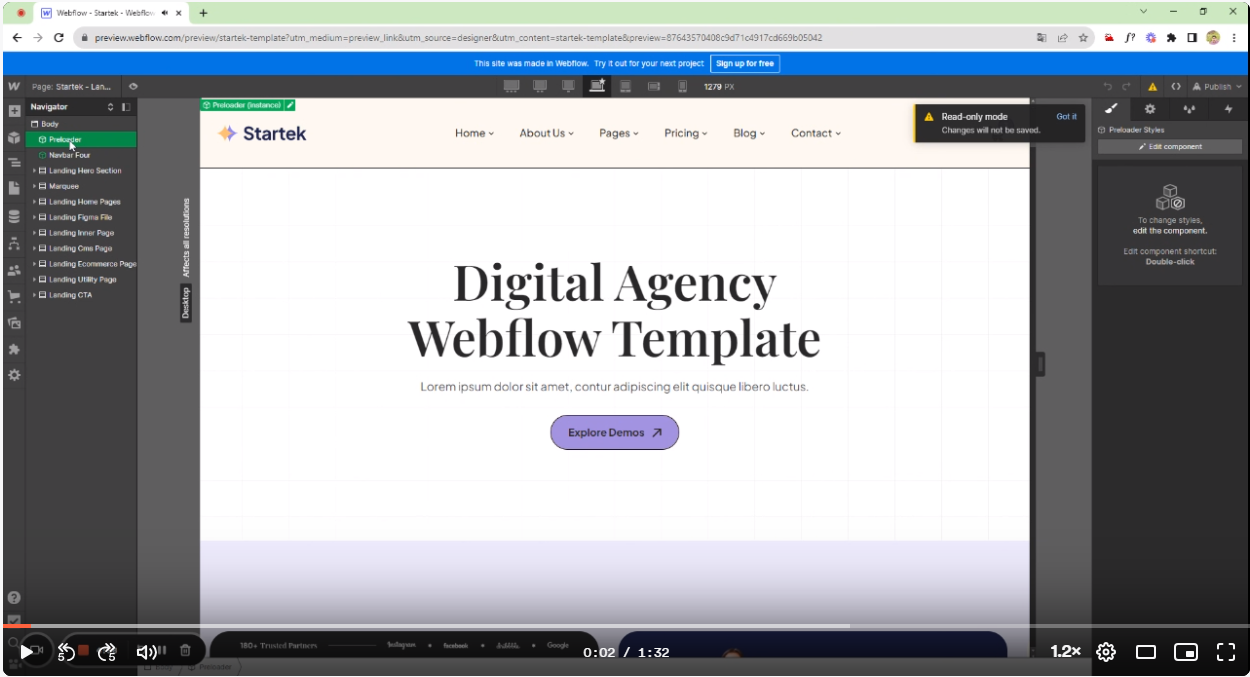
1. Double click on the “Preloader” Component from the navigator panel. Follow below pic:

2. Select the “Logo Star” to modify the logo stars. Follow below pic:
.png)
3. Select the “Hero Text” div to modify the logo text letters. Follow below pic:
.png)
4.Select “Pre-loader BG” div to modify upper and lower backgrounds . Follow below pic:
.png)
5. Modify the Pre-loader animations from the right panel. Follow below pic:
.png)
6. Modify the Star loader animations from the right panel. Follow below pic:
.png)
7. Modify the name loading animations from the right panel. Follow below pic:
.png)
8. Modify the logo name loading movements. Follow below pic:
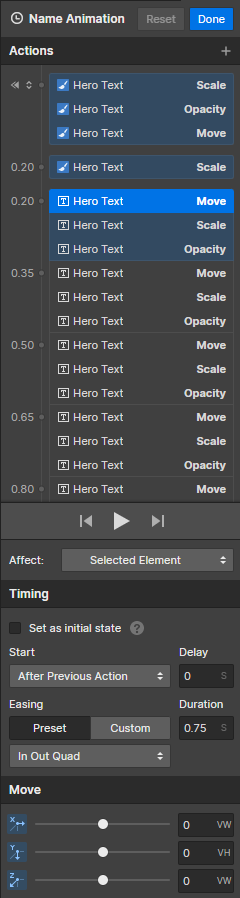
9. Modify the Loader hide and show animation from the right panel. Follow below pic: